Short answer: if a USB-C PD charger does not fast charge a laptop, the problem may be the charger protocol, cable rating, port power split or packaging claim. Importers should test complete charging sets, not charger units alone.
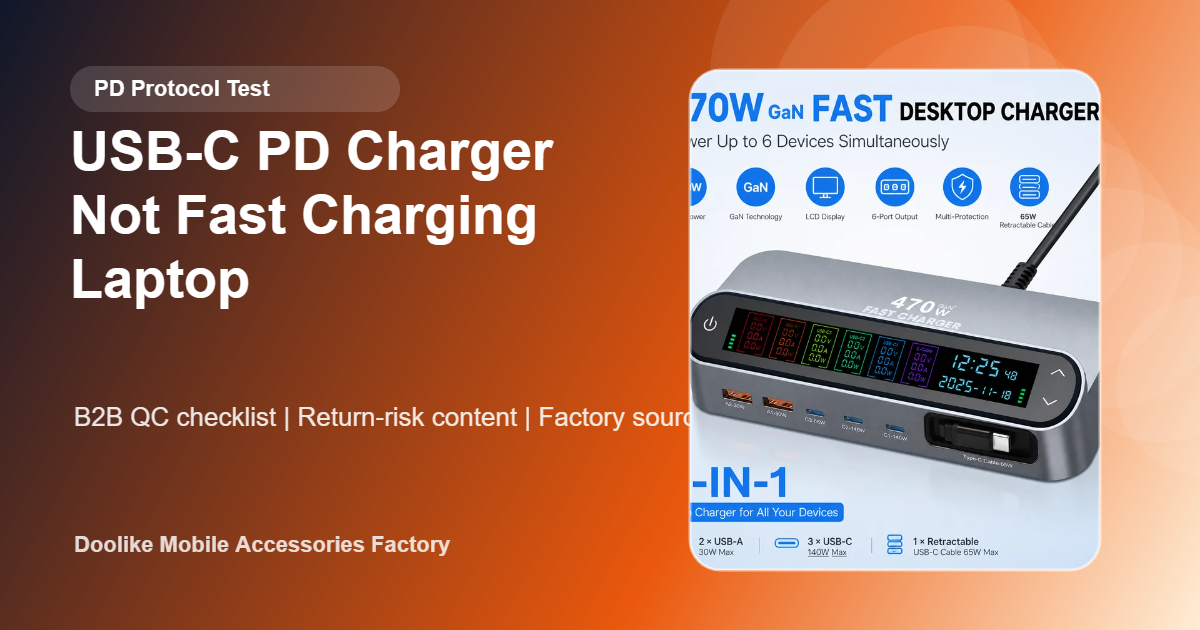
The buyer fear moment: "The box says 140W, but my customer gets 65W"
This complaint is common when customers use the wrong cable, the wrong port, or all ports at once. But if packaging does not explain power split clearly, the importer still gets the return.
Importer test checklist
| Issue | Test | Buyer action |
|---|---|---|
| Wrong wattage | PD protocol analyzer test | Record PDO output by port |
| Cable limits speed | Test with 60W, 100W and 240W cables | Bundle correct cable |
| Multi-port confusion | Power split test with 2-6 devices | Print output table on package |
| Heat under laptop load | Temperature rise and burn-in test | Check stability after hours |
| Compatibility complaint | Test common laptop models | List compatible use cases honestly |
Best packaging fix
Put a power split table where customers can see it. For example: USB-C1 alone up to 140W; C1+C2 split according to mode; all ports shared. Clear packaging can reduce returns even before customer support starts.
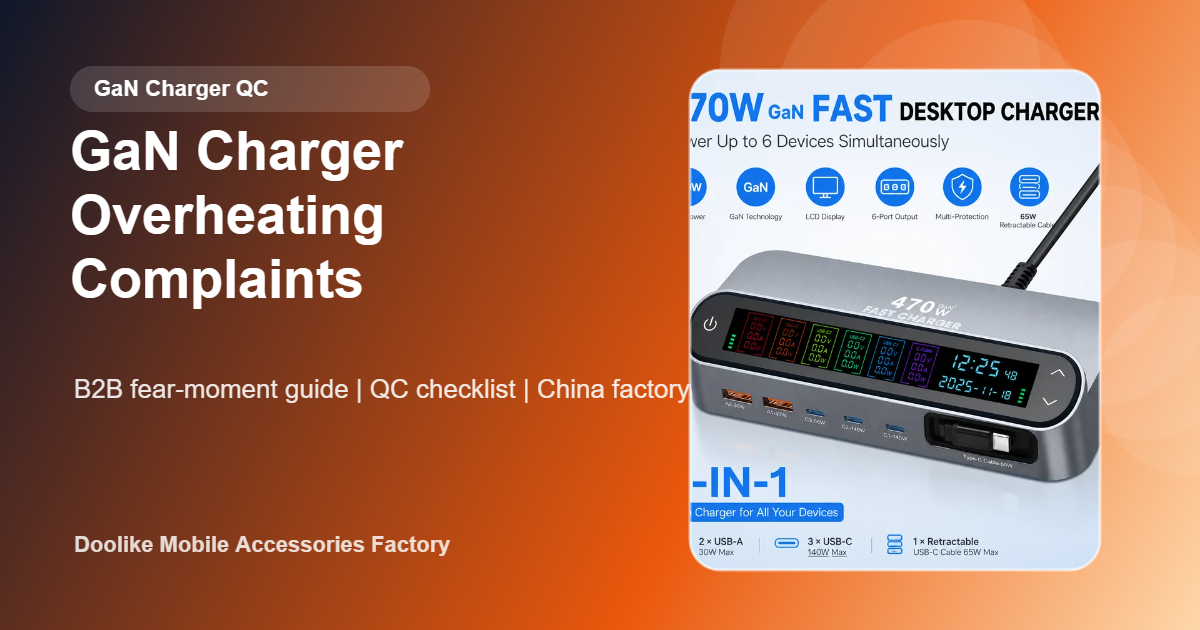
Doolike supplies USB-C chargers and GaN desktop charging stations for importers. Use the GaN charger sourcing checklist before approving bulk orders.
FAQ
Why does a PD charger not fast charge a laptop?
Possible causes include cable limitation, laptop protocol, wrong USB-C port, multi-port power split or inaccurate product claims.
Should importers test chargers with cables?
Yes. Customers use charger and cable together, so the bundle must be tested together.
Can Doolike support OEM output tables?
Yes. Packaging can include custom power split tables, logo, plug type and buyer-specific instructions.
Practical Bulk-Order Validation Plan
Before placing a purchase order for USB-C PD chargers intended for laptops, convert the sales specification into a written sample-approval sheet. Identify the exact model or version, intended application, test equipment, test method, acceptance limit, sample quantity and person responsible for approval. This prevents a general product description from becoming the only quality standard.
Sample and Pre-Shipment Checks
- Create a protocol and device matrix covering the advertised ports and intended laptop classes.
- Test single-port and multi-port power allocation with compliant cables, meters and electronic loads.
- Record renegotiation, cable limits, temperature and behavior when devices are connected or removed.
Test several units from the proposed production configuration, not only one demonstration sample. Record the test conditions and results with photos or video where useful. If the order contains several colors, connector versions or compatible models, include each important variant in the approval set. Keep one approved reference sample for comparison with pre-shipment units.
RFQ and Purchase-Order Controls
Write PD profiles, port allocation, cable requirement, device matrix, thermal test and included accessories directly into the RFQ and purchase order. Agree in advance how missing PD profile, unstable negotiation, reduced multi-port output or overheating will be classified, reported and corrected. The inspection report should identify the lot, quantity inspected and result for every agreed checkpoint rather than using a single overall “pass” statement.
For repeat orders, compare the same checkpoints lot by lot. A stable specification, retained sample and consistent test record make supplier performance easier to evaluate and reduce disputes when products reach repair shops, distributors or retail customers.