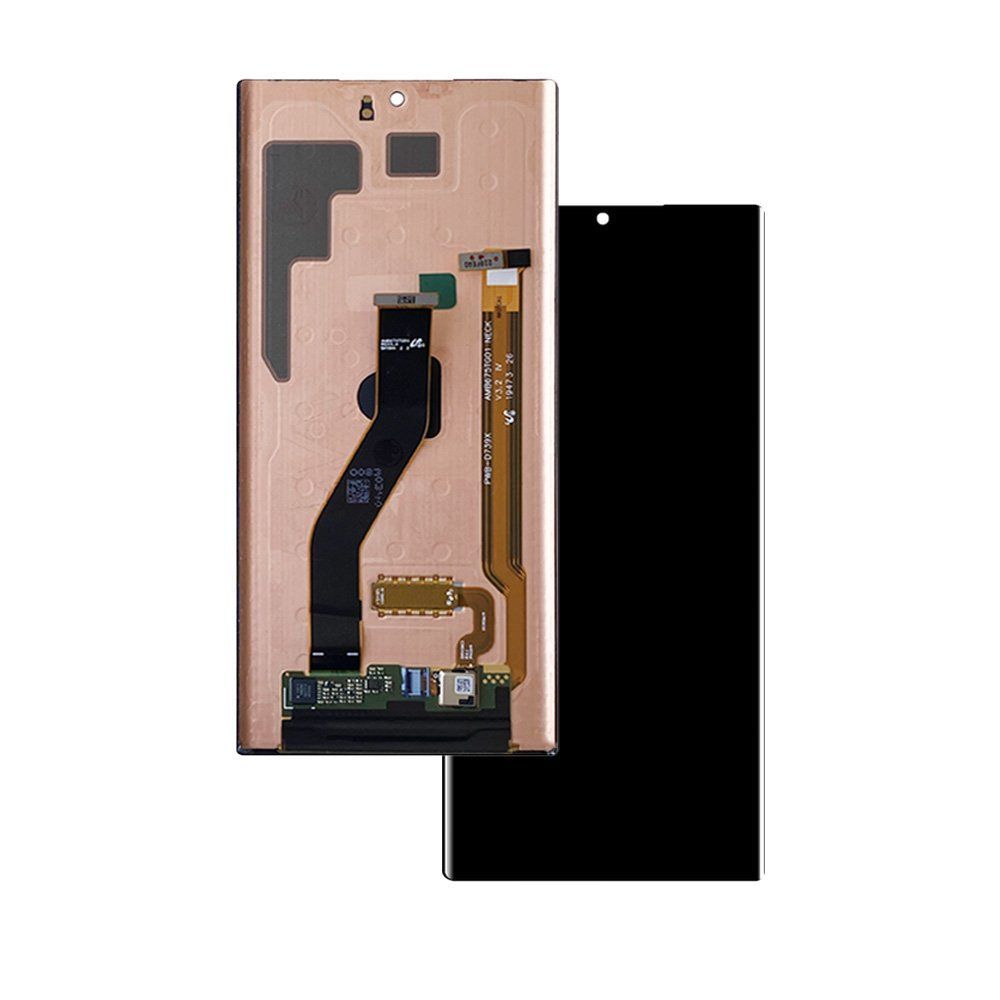
Samsung repairs are profitable, but they are also a minefield.
Unlike iPhones, Samsung devices feature complex technologies like Curved "Edge" Displays and Ultrasonic Under-Display Fingerprint Sensors. Choosing the wrong replacement screen grade can lead to features stopping working, resulting in angry customers and warranty returns.
As a factory-direct supplier, Doolike helps you navigate the confusing terminology of the wholesale market. Here is the ultimate breakdown of Samsung screen qualities (Service Pack, OLED, and Incell) to help you maximize profit without sacrificing quality.
1. The Quality Hierarchy: A Quick Comparison
Samsung Screen Quality Comparison
| Quality Grade | Display Tech | Fingerprint | Price |
|---|---|---|---|
| Service Pack | Dynamic AMOLED | Works 100% | Very High |
| Doolike OEM | OLED / AMOLED | Works Perfectly | Best Value |
| Incell / TFT | LCD (Backlight) | NOT Supported | Cheap |
Before you order stock for your repair shop, you need to understand what you are paying for.
(Save this table for your purchasing team)
| Feature | Service Pack (Original) | Doolike OEM OLED | Incell (TFT) LCD |
| Display Tech | Dynamic AMOLED | OLED / AMOLED | TFT LCD (Backlight) |
| Fingerprint | 100% Works | Works Perfectly | NOT Supported |
| Thickness | Ultra-thin | Original Thickness | Thicker (Battery Drain) |
| Brightness | High (1200+ nits) | High | Low / Average |
| Curve | Perfect Fit | Perfect Fit | Often Flat / Poor Fit |
| Cost | $$$$ (Very High) | $$ (Best Value) | $ (Budget Only) |
2. The "Fingerprint" Trap
The biggest complaint with cheap Samsung screens is the loss of the fingerprint scanner.
Incell (TFT) Screens: These use a backlight layer that physically blocks the ultrasonic sensor. If you install an Incell screen on an S10, S20, or Note 10, the fingerprint scanner will NEVER work.
Doolike OEM OLED: We use genuine OLED panels that are transparent to ultrasonic waves. This ensures your customers can still unlock their phone with their thumb—a critical selling point.
3. Why "With Frame" is the Smart Choice
At Doolike, we recommend buying Samsung screens "With Frame" (Pre-installed).
Samsung's curved screens are notoriously difficult to glue manually. If the glass isn't centered perfectly by a machine, light will leak from the edges, or the back glass won't close properly.
Benefits of Doolike Framed Assemblies:
Zero Light Leakage: Vacuum-laminated in our cleanroom.
Time Saver: Saves your technician 20-30 minutes per repair (no need to clean old glue).
Cooling System: Includes pre-installed heat dissipation copper/graphite stickers.
4. Incell Screens: When to Use Them?
Are Incell screens useless? No. They have a place for budget-conscious customers or older A-series models (like A10, A50) where data recovery is the priority, or the phone value is low. However, for flagship models (S and Note series), we always recommend upgrading to OLED to maintain the device's premium feel.
Conclusion: Don't Compromise on Reputation
Your reputation is built on the repairs that last. While Service Packs are great, they leave little profit margin. Cheap Incell screens cause returns.
The Sweet Spot? Doolike’s OEM OLED Refurbished screens. They offer the original display panel and fingerprint support at a wholesale price that keeps your business profitable.
Looking for reliable Samsung screens?
[Check out our Samsung Screen Wholesale Catalog] and specify your quality preference (OLED or Incell) when requesting a quote.