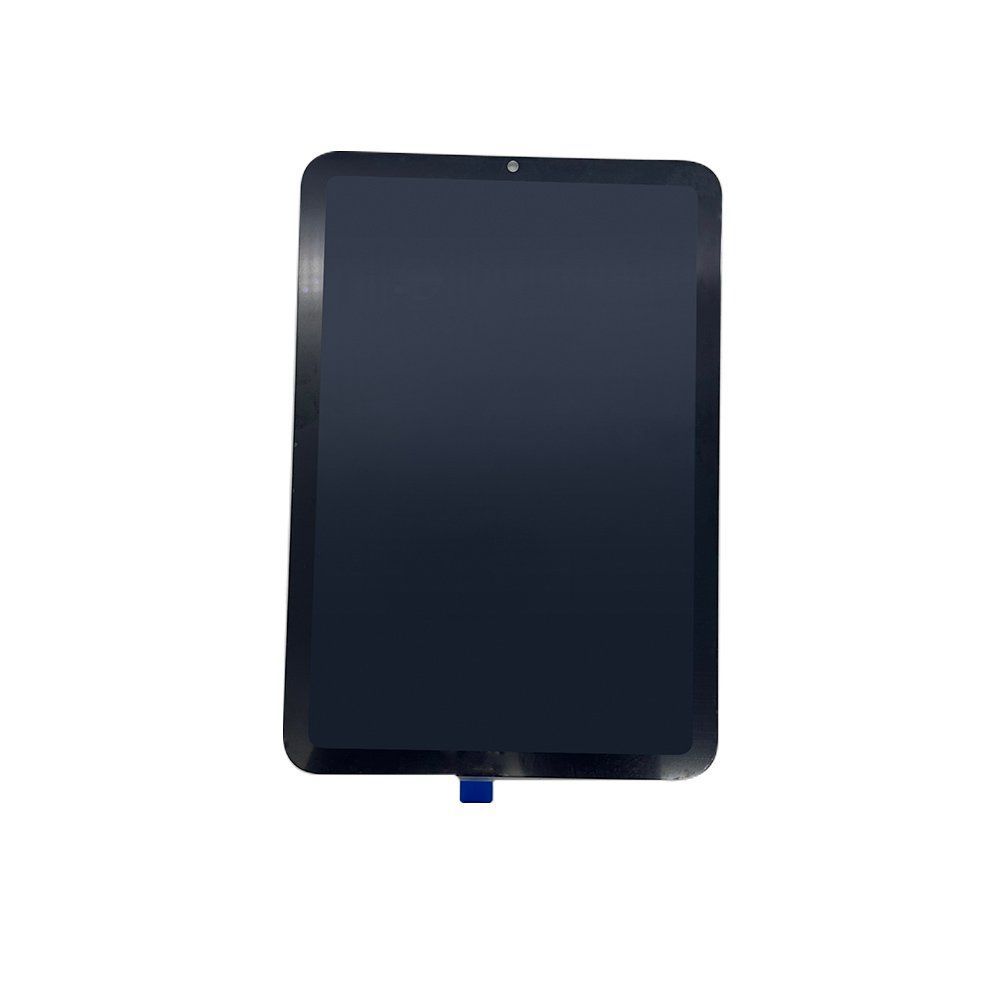
This hub helps repair-part buyers source iPad LCD screen assemblies with fewer quality disputes. It focuses on display grade, touch response, dead-pixel control, packaging and supplier verification.
What to compare when buying iPad LCD screens
For iPad LCD assemblies, visual quality and installation reliability matter more than headline price. Buyers should compare panel grade, digitizer sensitivity, bracket alignment, adhesive strength, True Tone support where applicable, and packaging protection for international shipping.
- Confirm exact iPad model and model numbers before ordering.
- Ask whether the screen is tested for dead pixels, touch response and brightness.
- Check whether camera bracket, adhesive or frame options are included.
- Request packaging photos for sample and bulk cartons.
Recommended iPad LCD cluster structure
The iPad LCD topic should have one category page, one procurement hub, one QC checklist, and product pages for real compatible assemblies. Avoid making pages for models that the product does not truly support.
| Page | Purpose |
|---|---|
| LCD screen category | Product discovery |
| This hub | Buyer education and topical authority |
| QC spoke | Answers testing and grade questions |
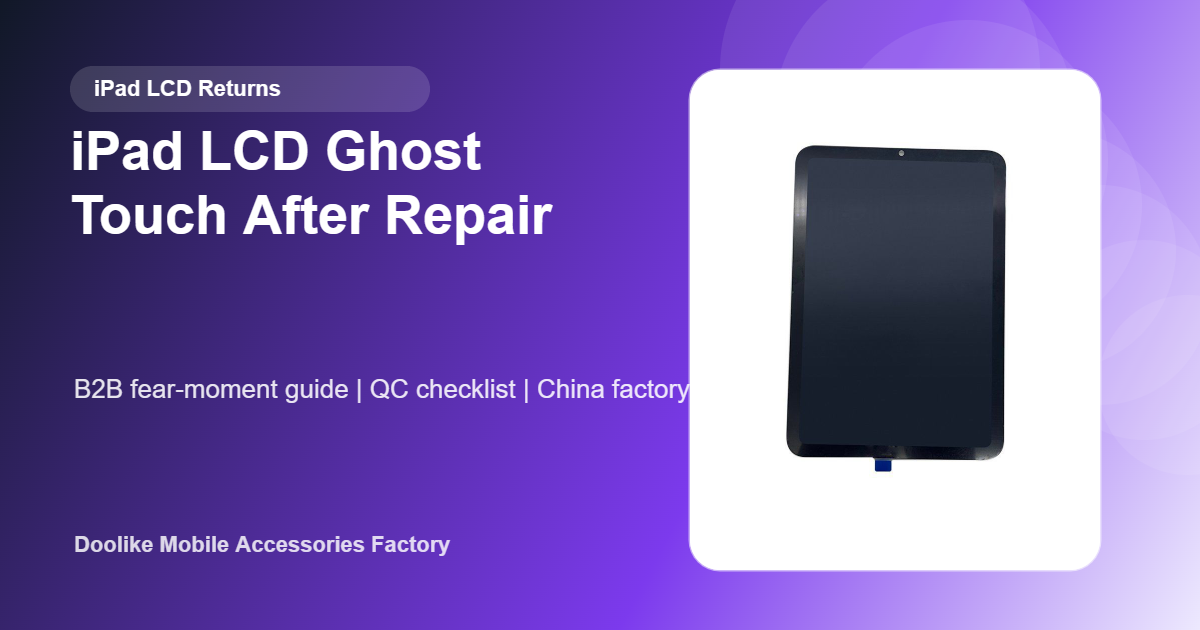
| iPad mini 6 LCD product page | Commercial conversion |
Sample approval checklist
Before bulk purchase, inspect sample displays under white, black, red, green and blue screens. Check touch in all corners, connector condition, flex cable quality, brightness consistency, bracket position and packaging compression resistance.
MOQ and buyer information needed for a quote
Send the exact model number, display version, quantity, grade requirement, packaging requirement and destination country. This makes the quote faster and avoids the common problem of mixing similar iPad generations.
Recommended next steps
- Browse LCD screen products
- View iPad mini 6 LCD screen assembly
- Review factory QC process
- Send your model list for a factory quote
Practical Bulk-Order Validation Plan
Before placing a purchase order for iPad LCD screen assemblies, convert the sales specification into a written sample-approval sheet. Identify the exact model or version, intended application, test equipment, test method, acceptance limit, sample quantity and person responsible for approval. This prevents a general product description from becoming the only quality standard.
Sample and Pre-Shipment Checks
- Confirm the exact compatible model and whether the quoted item is an LCD, touch panel or full assembly.
- Inspect brightness, color, dead pixels, touch response, flex cables and connector condition.
- Approve protective film, individual tray or foam placement and outer-carton drop protection.
Test several units from the proposed production configuration, not only one demonstration sample. Record the test conditions and results with photos or video where useful. If the order contains several colors, connector versions or compatible models, include each important variant in the approval set. Keep one approved reference sample for comparison with pre-shipment units.
RFQ and Purchase-Order Controls
Write compatibility, grade definition, cosmetic limit, display and touch test, packing and replacement terms directly into the RFQ and purchase order. Agree in advance how dead pixels, touch faults, flex damage or grade mismatch will be classified, reported and corrected. The inspection report should identify the lot, quantity inspected and result for every agreed checkpoint rather than using a single overall “pass” statement.
For repeat orders, compare the same checkpoints lot by lot. A stable specification, retained sample and consistent test record make supplier performance easier to evaluate and reduce disputes when products reach repair shops, distributors or retail customers.