Short answer: Wholesale buyers should never select a replacement stylus by appearance alone. Confirm the exact device model, whether the original pen supports Bluetooth remote functions, the intended writing features, storage-slot dimensions and sample performance before approving a bulk order.
This guide is for repair distributors, accessory wholesalers, ecommerce sellers and procurement teams comparing third-party replacement stylus products for selected Samsung Galaxy devices.
Replacement stylus sourcing at a glance
| Buyer question | Why it matters | What to request |
|---|---|---|
| Which exact phone model is supported? | Similar-looking pens may have different dimensions, digitizer support or storage-slot fit. | Written model list plus sample fit test. |
| Writing-only or Bluetooth-enabled? | A passive replacement may write correctly but cannot provide remote camera or Air Action features. | Function list that separates writing, hover, button and Bluetooth behavior. |
| Does it fit the device slot or case? | Tip, barrel and button placement affect insertion and removal. | Physical sample and insertion-cycle check. |
| What is the quality-control method? | Intermittent strokes, loose tips and poor fit can create high return rates. | Incoming inspection checklist and defect agreement. |
| How is compatibility shown on packaging? | Overbroad labels cause wrong-model orders and trademark risk. | Model-specific artwork with third-party compatibility wording. |
1. Start with the exact device model
“For Samsung stylus” is not a sufficient purchase specification. A buyer should provide the full device name and, where available, the regional model code. Standard, Plus, Ultra and Fold devices may use different pen systems even within the same generation.
For example, a product intended for Galaxy S23 Ultra or S24 Ultra should not automatically be presented as compatible with standard S23, S23+, S24 or S24+ devices. Compatibility must be narrowed to the models actually tested.
2. Separate writing functions from Bluetooth remote functions
Many replacement stylus products are designed primarily for handwriting, navigation and supported screen interaction. That does not mean they reproduce every function of an original Bluetooth-enabled pen.
| Function | Writing-only replacement | Bluetooth-enabled original-style function |
|---|---|---|
| Basic writing and tapping | May be supported on confirmed models | May be supported |
| Hover or pointer behavior | Model and digitizer dependent | Model and software dependent |
| Side-button interaction | Must be tested | May include additional software functions |
| Remote camera shutter | Do not assume | Requires compatible Bluetooth hardware and software |
| Air Actions | Do not claim unless verified | Requires supported device, pen and pairing |
Use a written function matrix in the purchase order. Packaging and listings should clearly state “non-Bluetooth” or “writing replacement” where applicable.
3. Build a sample validation process
- Identity check: confirm model label, color and ordered version.
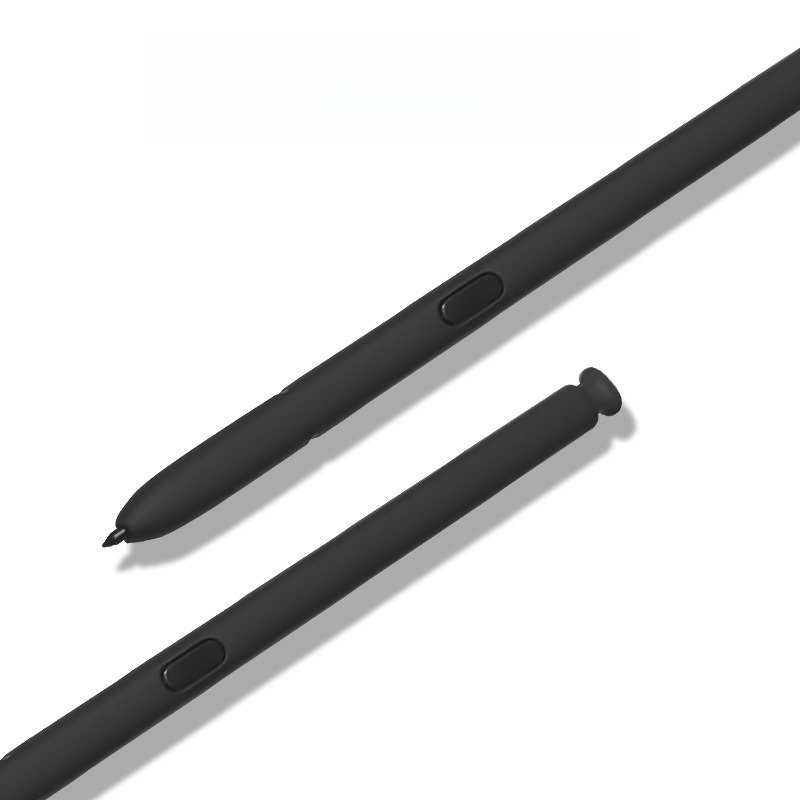
- Physical inspection: check barrel finish, seams, tip alignment and button movement.
- Writing test: test short strokes, continuous lines, corners and light handwriting on the intended device.
- Fit test: insert and remove the pen from the device slot or intended case without forcing it.
- Function test: record which functions work and which are not included.
- Repeatability: test several samples rather than relying on a single unit.
- Packaging check: verify model wording, non-affiliation language, barcode and color label.
4. Incoming QC checklist for bulk orders
- Correct model and color count
- No bent barrel, visible gap, crack or loose part
- Tip is secure and writes consistently
- Button does not stick or fall out
- Pen fits the confirmed device or case slot
- No unsupported Bluetooth or original-equipment claim on packaging
- Carton quantities and SKU labels match the packing list
- Agreed replacement procedure exists for defective units
5. Packaging and trademark wording
Third-party compatible accessories should use wording such as “replacement stylus for Samsung Galaxy S23 Ultra” and should not imply that the product is made, authorized or supplied by Samsung. Avoid copied original packaging, authorization logos or claims that cannot be verified.
For mixed-model orders, use separate model labels and color codes. A master carton should identify model, color, quantity and batch so warehouse staff can avoid mixing similar pens.
6. Match each product page to a distinct buyer need
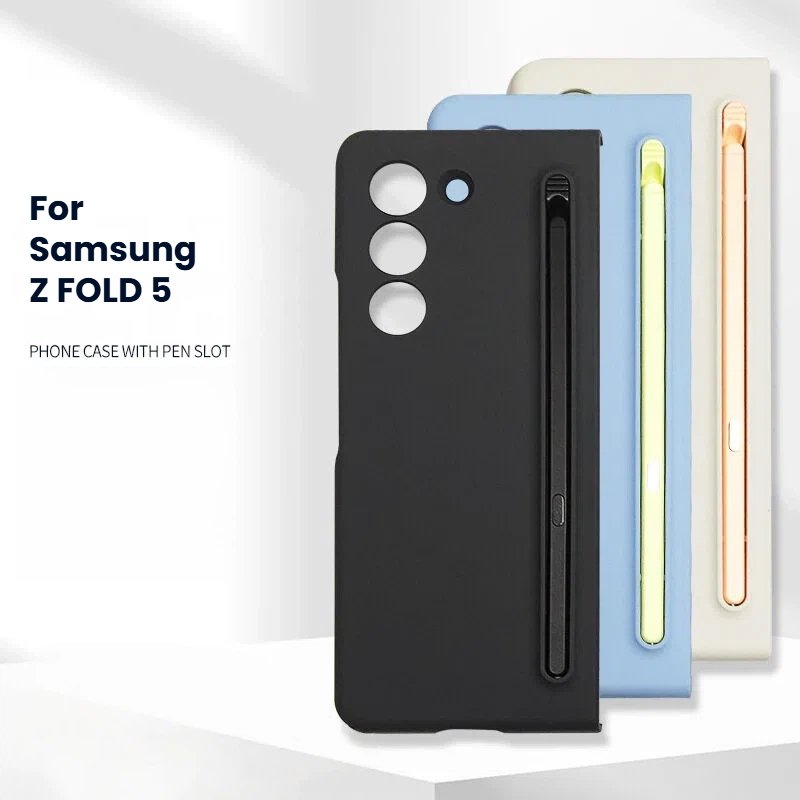
- Replacement stylus for Samsung Galaxy Z Fold5 — confirm writing behavior and compatible storage solution.
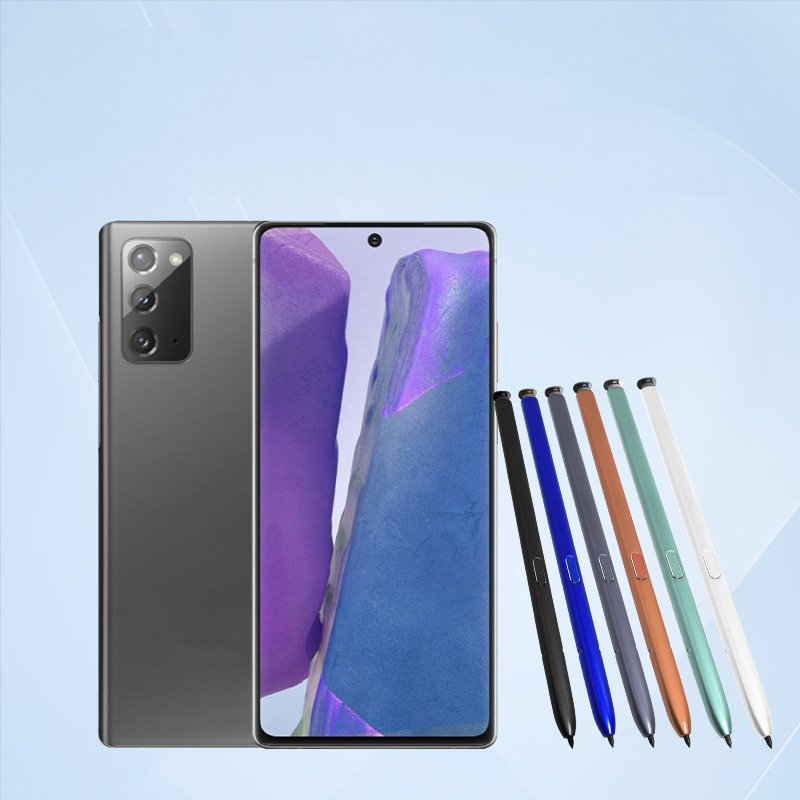
- Replacement stylus for Samsung Note10, Note20, S21 Ultra and S22 Ultra — a non-Bluetooth replacement option with model confirmation required.
- Replacement stylus for Samsung Galaxy S23 Ultra and S24 Ultra — limited to the Ultra models listed on the product page.
- Pen-slot case for Samsung Galaxy Z Fold5 — intended for buyers planning case-and-stylus bundles.
Browse the broader phone repair parts category or send an RFQ with the target model list and sample quantity.
7. RFQ information that reduces delays
- Exact device models and target markets
- Writing-only or required Bluetooth functions
- Color and quantity by model
- Need for device-slot or case-slot fit
- Neutral or private-label packaging
- Barcode, manual and carton-mark requirements
- Sample test devices and acceptance criteria
- Required delivery date and destination country
Frequently asked questions
Can one replacement stylus fit every Galaxy S-series phone?
No. Compatibility depends on the specific device and digitizer system. Standard and Plus models should not be included merely because an Ultra model is supported.
Does a non-Bluetooth stylus support Air Actions?
No such claim should be made without verified Bluetooth hardware, pairing and software support. Writing capability and remote functions must be listed separately.
Should buyers approve bulk orders from photos?
No. Photos can confirm appearance, but writing consistency, fit and function require sample testing on the intended devices.
What should be printed on compatible-product packaging?
Use accurate “for [device model]” compatibility wording, the actual included functions, SKU/color information and a clear third-party non-affiliation statement.
Trademark notice: Samsung, Galaxy and S Pen are trademarks of their respective owners. Doolike supplies third-party compatible accessories and is not affiliated with or authorized by Samsung. Brand names are used only to identify compatibility.