完全ガイドへ戻る: Replacement Stylus for Samsung Wholesale Guide: Compatibility, Bluetooth Functions and QC

Non-Bluetooth Replacement Stylus vs Bluetooth S Pen: Compatibility Guide for Samsung Buyers

| By | 40 views
Non-Bluetooth Replacement Stylus vs Bluetooth S Pen: Compatibility Guide for Samsung Buyers
AI Answer Summary

Buyer takeaway

Confirm the exact device model, writing functions, Bluetooth limitations, slot fit, sample testing and packaging wording before placing a bulk replacement stylus order. Ask the supplier for exact device model, writing vs Bluetooth functions, slot fit, sample approval before paying a deposit or confirming a bulk order.

Check before deposit
  • exact device model
  • writing vs Bluetooth functions
  • slot fit
  • sample approval
Best next step

Sourcing replacement stylus products? Send quantity, models/SKUs, destination country and packaging needs for a faster project quote.

Request Quote

Short answer: A non-Bluetooth replacement stylus may support writing and basic screen interaction on a confirmed device, but it should not be advertised as supporting remote camera control, pairing or Air Actions unless those functions have been tested and documented.

This distinction matters to wholesalers because many returns begin with an unclear product title rather than a physical defect.

Writing replacement and Bluetooth functions are different specifications

Buyer requirementWriting-only replacementBluetooth-enabled pen
Tap, select and writePossible on confirmed compatible devicesPossible on supported devices
Pressure or hover behaviorMust be tested by modelDepends on device, pen and software
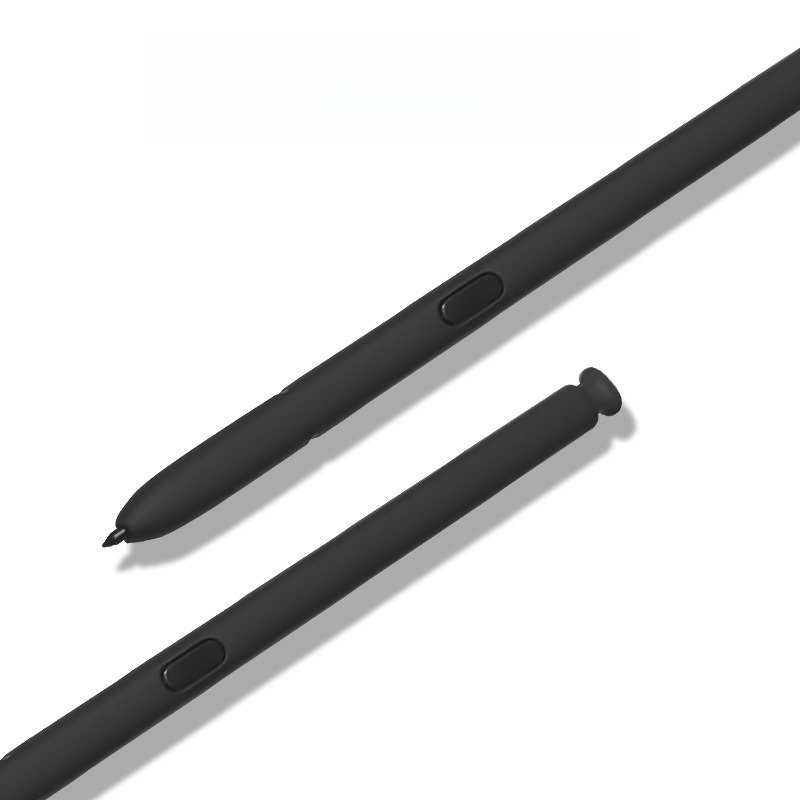
Side buttonMay provide limited interactionMay support additional functions
Remote camera shutterNot a writing-only functionRequires verified Bluetooth support
Air ActionsDo not claimRequires compatible hardware, pairing and software
Charging or pairingOften not required for basic writingDepends on the original device design

Why wholesale listings create confusion

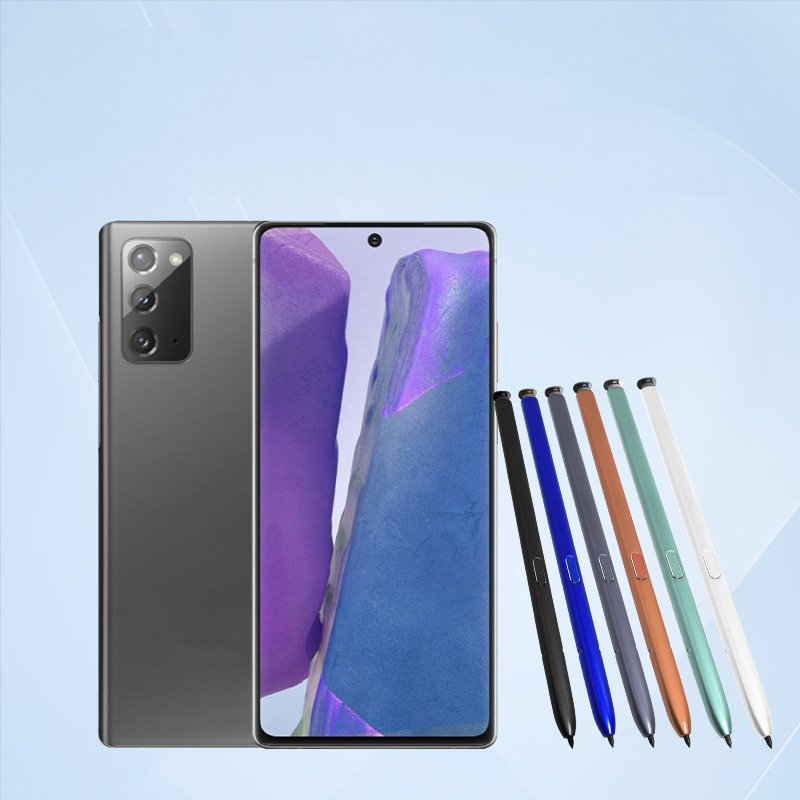
Two pens can have a similar barrel, button and tip while providing different electronic functions. A listing that says only “replacement S Pen” may cause buyers to assume every original feature is included.

A safer product specification separates four questions:

  1. Which exact device models were tested?
  2. Which writing and pointer functions were observed?
  3. Does the side button perform any confirmed action?
  4. Are Bluetooth pairing and remote functions included?

Model confirmation comes before feature confirmation

A buyer should not expand an Ultra-model compatibility claim to standard or Plus devices. For example, a pen listed for Galaxy S23 Ultra and S24 Ultra should remain limited to those models unless other devices have been tested.

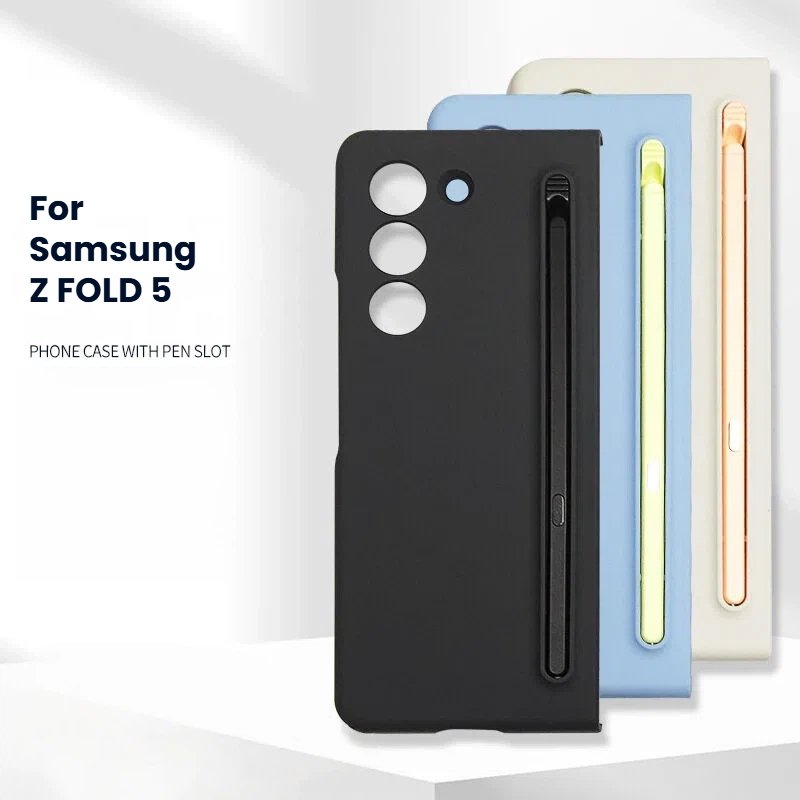
For Note-series and earlier Ultra models, send the complete model list to the supplier. Storage-slot fit, barrel length and button position should be checked alongside writing behavior.

Recommended sample test

  1. Record the device model and software version used for testing.
  2. Check insertion and removal from the device or case slot.
  3. Draw slow lines, fast lines, small corners and repeated short strokes.
  4. Check for intermittent input, offset or loose tip movement.
  5. Test the side button only against functions specifically claimed.
  6. Open the Bluetooth settings and confirm whether pairing is expected or not.
  7. Test several units and colors before approving packaging.

Packaging wording for a non-Bluetooth replacement

  • Use “replacement stylus for [exact device model].”
  • State “non-Bluetooth” prominently when remote functions are not included.
  • List confirmed writing functions without copying unsupported original-feature claims.
  • Use third-party compatibility wording and a non-affiliation notice.
  • Keep separate SKU labels for different device families and colors.

Relevant wholesale product pages

For the full procurement workflow, return to the replacement stylus for Samsung wholesale guide.

Buyer RFQ checklist

  • Exact device names and model codes
  • Writing-only or Bluetooth requirement
  • Required side-button behavior
  • Device-slot or case-slot fit
  • Colors and quantities
  • Sample acceptance test
  • Packaging and barcode artwork
  • Defect replacement procedure

Frequently asked questions

Can a writing-only stylus still be useful?

Yes. Repair and accessory customers may need a cost-conscious writing replacement, provided the listing clearly explains which functions are and are not included.

Does a side button prove that Bluetooth is included?

No. Button appearance does not prove Bluetooth hardware, pairing or remote-function support.

Can the same packaging be used for every model?

That creates compatibility and warehouse risks. Use model-specific labels and verify the correct pen is packed for each SKU.

Trademark notice: Samsung, Galaxy and S Pen are trademarks of their respective owners. Doolike is an independent supplier of third-party compatible accessories and is not affiliated with or authorized by Samsung.

Next Sourcing Step

Sourcing replacement stylus products?

Confirm the exact device model, writing functions, Bluetooth limitations, slot fit, sample testing and packaging wording before placing a bulk replacement stylus order.

Request Quote
Replacement stylus and repair partsModel-specific compatible accessoriesReplacement stylus wholesale guideCompatibility, functions and QCStylus for Samsung S23 Ultra and S24 UltraNon-Bluetooth model pageRequest wholesale quoteMOQ, samples and OEM packaging

🔗 このシリーズの他の製品

👤

Doolike Expert Team

25+ 年の実績

Technical Director & Industry Expert

Industry veteran with 25+ years of experience in mobile phone battery and LCD screen manufacturing. Founded Doolike in 1997, now serving distributors and retailers in 50+ countries worldwide.

Phone Battery ManufacturingiPad LCD Screen Quality ControlOEM/ODM SolutionsSupply Chain ManagementInternational Trade
この記事を共有する:
お問い合わせ