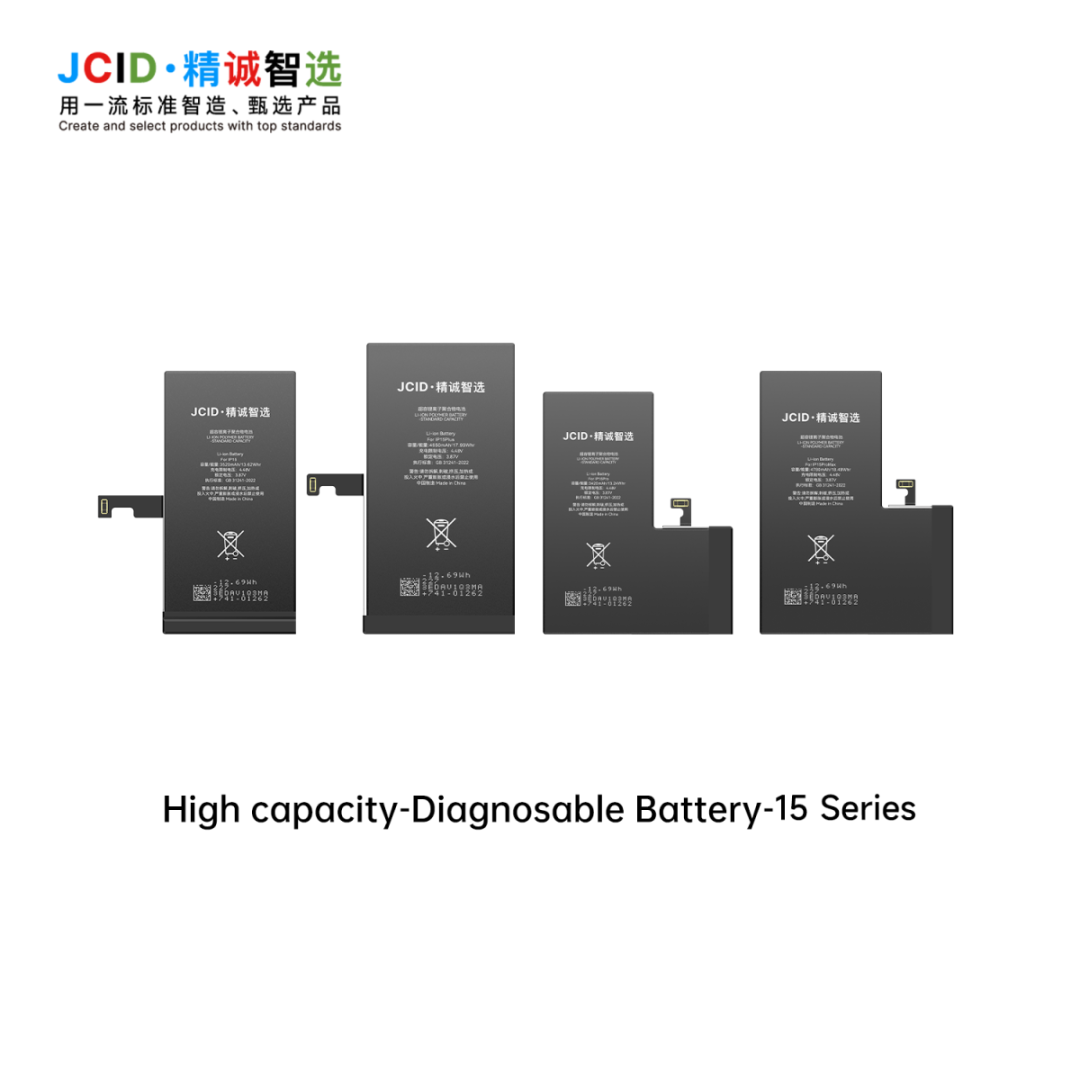
Short answer: A diagnostic iPhone battery is a replacement battery sold for a post-repair diagnostic or configuration workflow. Doolike currently has third-party high-capacity versions for selected iPhone 12 through iPhone 15 models. The available version is described by its system result as showing Used; the version intended to show Genuine is temporarily out of stock.
What do Used, Genuine and Unknown mean on an iPhone?
Apple's Parts and Service History uses specific labels. Apple says Genuine means a repair used genuine Apple parts and processes, Used means the part was already used or installed in another iPhone, and Unknown can appear when a part is non-genuine, not functioning as expected, not verified and linked after repair, or modified. See Apple's Parts and Service History explanation.
Important purchasing note: Doolike's available diagnostic batteries are third-party replacement products. A status displayed by the phone is not proof that a battery was supplied or authorized by Apple. Repair shops and distributors should describe the product, origin and test result accurately and should not resell it as a new genuine Apple battery.
Which diagnostic iPhone battery models are currently available?
As of September 2026, Doolike regularly prepares high-capacity stock for the following models:
- iPhone 12 mini
- iPhone 12 and iPhone 12 Pro
- iPhone 12 Pro Max
- iPhone 13 mini, iPhone 13 and iPhone 13 Pro
- iPhone 13 Pro Max
- iPhone 14, iPhone 14 Plus and iPhone 14 Pro
- iPhone 14 Pro Max
- iPhone 15, iPhone 15 Plus and iPhone 15 Pro
- iPhone 15 Pro Max
Stock changes by model and diagnostic-board availability. Buyers should confirm the exact model, current iOS version, quantity and required system result before paying a deposit.
Standard capacity or high capacity?
| Option | Best for | What to verify |
|---|---|---|
| Standard capacity | Buyers who want an original-capacity positioning | Rated capacity, batch test method, model fit and current availability |
| High capacity | Repair shops and distributors seeking a higher-capacity product tier | Actual tested capacity, thickness and fit, temperature, charging behavior and cycle stability |
Doolike's regular-stock list above refers to high-capacity versions. Exact mAh values must be confirmed model by model; buyers should not compare products only by the printed label.
What should a buyer test before a bulk order?
- Confirm the exact iPhone model and battery connector/flex layout.
- Test the sample on the same iOS version used by the target repair market.
- Record Parts and Service History, Battery Health, charging and restart behavior after the required workflow.
- Confirm whether the selected version needs any programmer, flex transfer or additional tool.
- Check real capacity, fit, temperature, charging protection and cycle behavior.
- Repeat the test after an iOS update before marketing compatibility with that version.
No supplier should promise that one result will remain identical across every model and every future iOS update. A model-level sample and written acceptance standard are safer than a broad claim.
Why is supply tight in September 2026?
Doolike's current supplier-side observation is that diagnostic-battery materials and diagnostic boards are both tight. This is affecting availability across the trade, especially for the version aimed at a Genuine display result. We treat this as a changing supply condition, not a permanent specification: stock and lead time must be reconfirmed for each quotation.
Send a complete diagnostic battery RFQ
For a faster quote, send the iPhone models, quantity per model, standard- or high-capacity preference, target iOS version, required display result, destination country, packaging and sample request. Start from our phone battery wholesale category or request a model-specific quotation.
Doolike Diagnostic Battery Market Updates
For current sourcing conditions, read our 2026 Show-Genuine supply analysis and rolling stock update.