In the world of iPhone repair, the "Unknown Part" message is the enemy.
Since the iPhone XS, Apple has locked battery serial numbers to the motherboard. If you simply swap in a new battery—even an original one—the phone will display a warning and refuse to show battery health percentage. For repair shops, this leads to customer distrust and complaints.
As a professional factory supplier, Doolike provides the complete ecosystem of battery solutions. Whether you need budget-friendly standard cells or professional "No-Error" repair kits, we have you covered.
1. The Basics: Standard vs. High Capacity
Before tackling the error message, you need to choose the right cell.
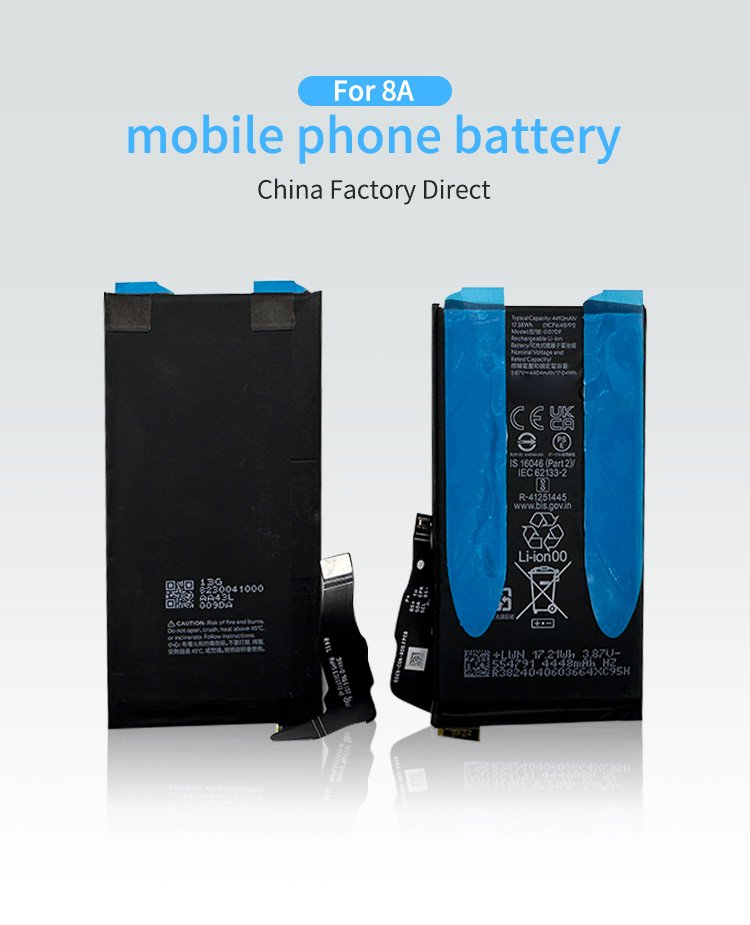
Standard Capacity (OEM Spec): These match the original Apple specifications perfectly. They are stable, safe, and cost-effective. Ideal for general repairs where the customer wants a factory-like experience.
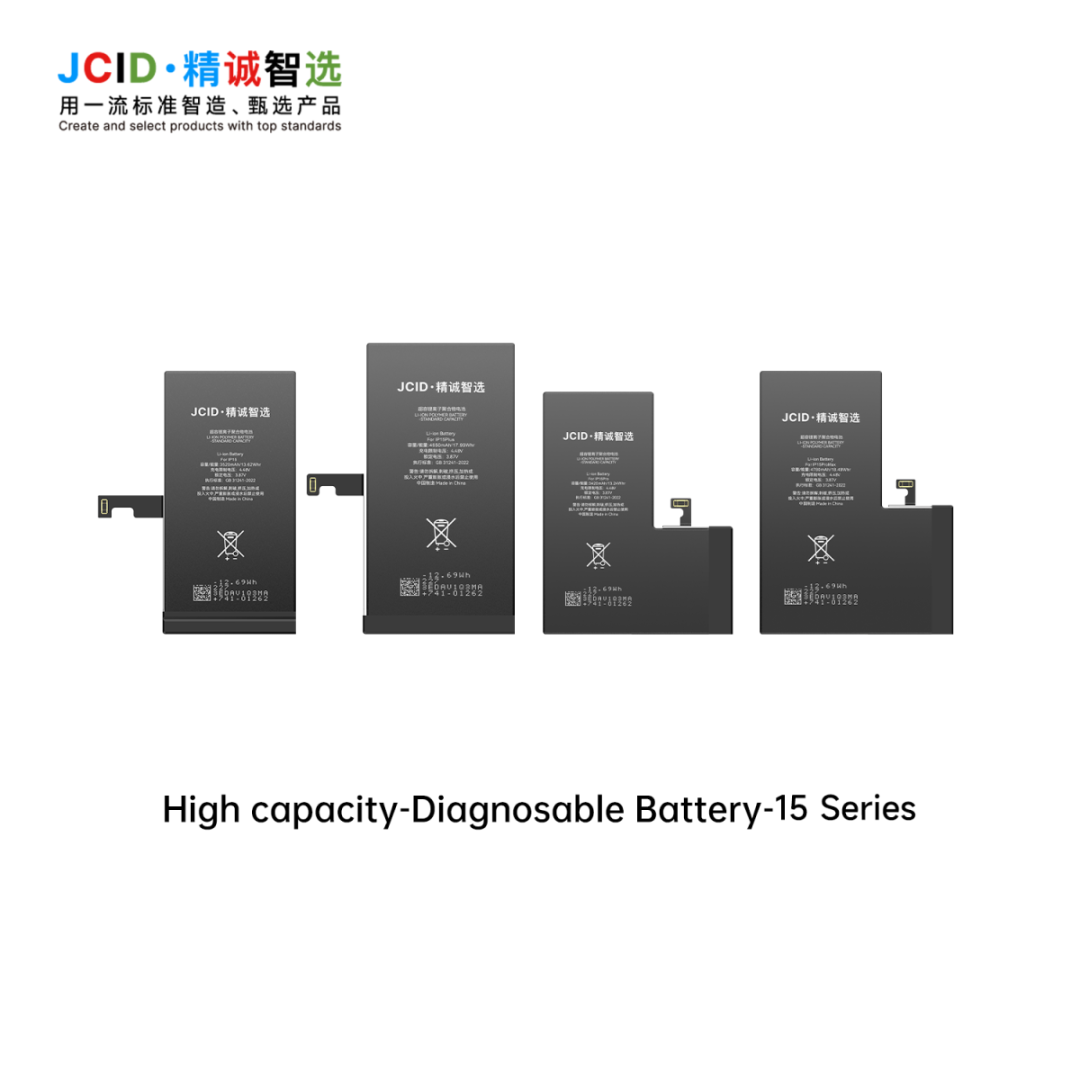
High Capacity (Doolike Boost): Using higher-density Cobalt cells, we pack 15%-30% more power into the same size. For example, our iPhone 12 High Cap battery lasts significantly longer than the original. This is a great "Upsell" item for your shop.
2. The Advanced Solution: "Repairable" Batteries
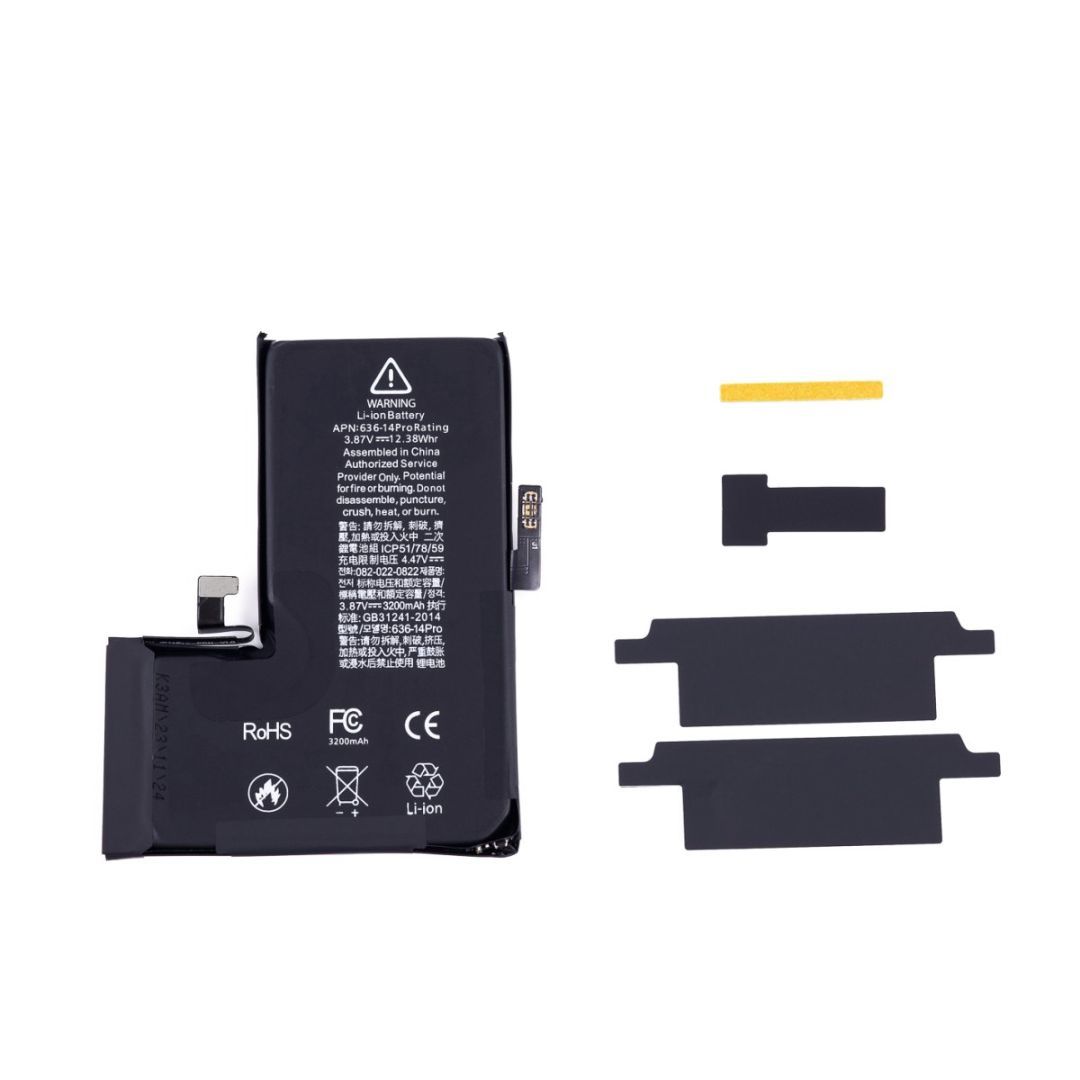
For professional technicians who want to show 100% Battery Health in the settings, you cannot just use a regular battery. You need our "No-Connector" (or Repairable) Battery Series.
How it works: These batteries come without the BMS (Battery Management System) logic board.
The Process: You remove the BMS board from the customer's old original battery and spot-weld it onto our new Doolike battery cell.
The Result: The iPhone sees its original BMS board, so it thinks it's the original battery. No error message!
3. The JCID Tag-On Flex: The Secret Weapon
Spot welding the old BMS is only step one. The old BMS still remembers the old "Cycle Count" and "80% Health." To reset this to "0 Cycles" and "100% Health," you need a JCID Repair Flex Cable.
Doolike is your one-stop shop for:
JCID V1S Pro / Q1 Programmers: To read and write battery data.
Tag-On Flex Cables: Small ribbons that connect between the battery and the phone to override the old data.
Built-in Flex Batteries: Batteries that already have the repair protocol integrated (for specific models).
4. Comparison: Which Solution Fits Your Business?
Different customers have different budgets. Here is how to choose:
| Solution Type | Standard Replacement | BMS Swap + JCID Flex |
| Skill Level | Beginner (Plug & Play) | Expert (Spot Welding) |
| Error Message | Yes ("Unknown Part") | No (100% Clean) |
| Battery Health | Not Displayed | Shows 100% |
| Profit Margin | Medium | Very High |
| Best For | Budget Customers | Premium Repair Services |
Conclusion: Be the Expert Your Customers Trust
Don't just swap batteries; offer a complete restoration service. By stocking Doolike’s range of High Capacity cells and JCID repair tools, you can promise your customers a repair with no warning lights and longer battery life.
Ready to upgrade your repair lab?
[Click here to browse our iPhone Battery & JCID Tool Catalog] and request our wholesale price list for 2026.